Build REST APIs with Node.js: A Comprehensive Guide for Developers
Learn to build powerful RESTful APIs using Node.js and Express.js. This guide covers setup, CRUD operations, middleware, error handling, and best practices.
Vishal Kasotiya
Software Engineer
Building robust and scalable RESTful APIs is a fundamental skill for modern web developers. Node.js, with its non-blocking I/O and JavaScript runtime, has become a go-to choice for backend development, offering speed and efficiency. Coupled with frameworks like Express.js, it simplifies the process of creating powerful APIs that serve web, mobile, and desktop applications. If you're looking to master the art of API development with one of the most popular backend technologies, you've come to the right place. This comprehensive guide will walk you through setting up your environment, designing endpoints, implementing CRUD operations, handling middleware, and incorporating best practices to build your first Node.js REST API.
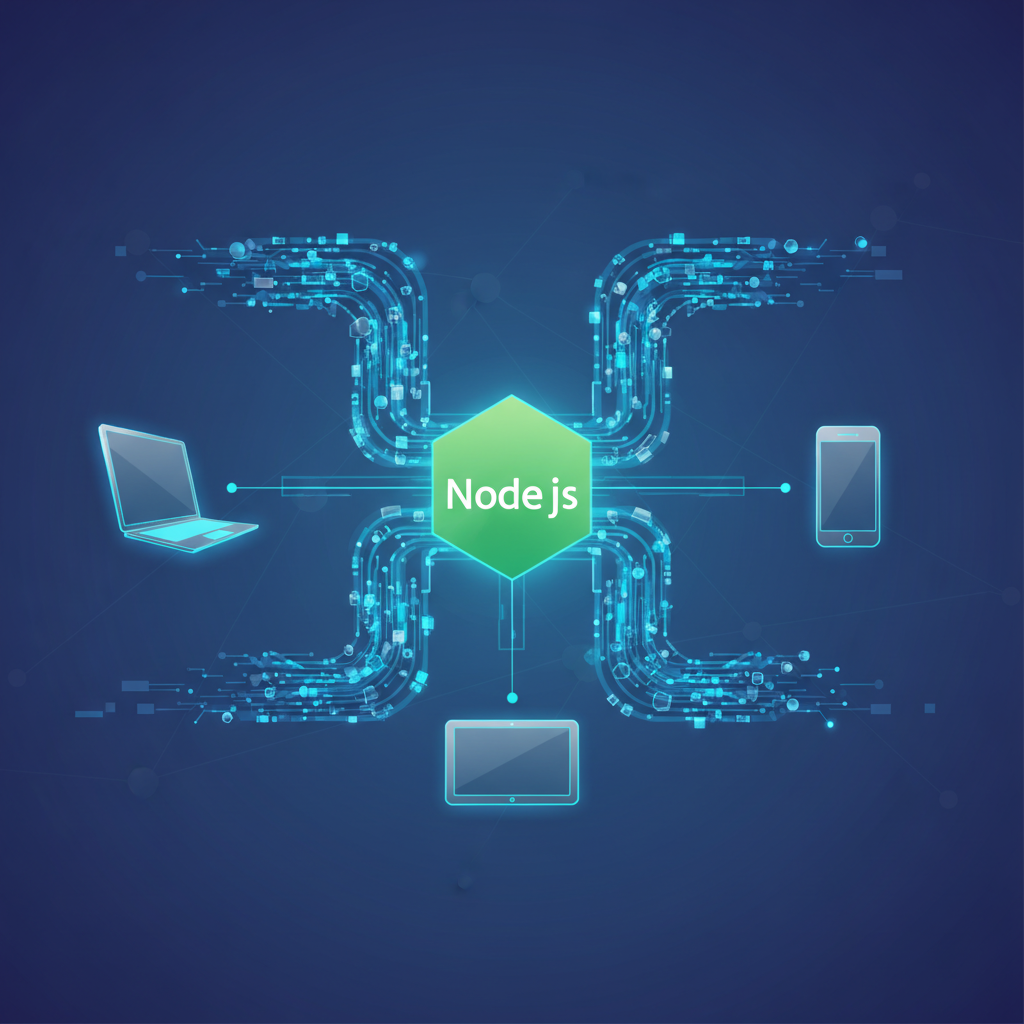
Node.js server communicating with client devices via API
Understanding RESTful Principles
Before diving into code, it's crucial to grasp the core principles of REST (Representational State Transfer). REST is an architectural style for designing networked applications. It emphasizes stateless communication, a client-server architecture, and the use of a uniform interface. Key concepts include:
GET: Retrieve a resource or a collection of resources.POST: Create a new resource.PUT: Update an existing resource (full replacement).PATCH: Partially update an existing resource.DELETE: Remove a resource.Adhering to these principles ensures your API is predictable, maintainable, and easy to consume by various clients.
Setting Up Your Node.js Project
To begin, ensure you have Node.js and npm (Node Package Manager) installed on your system. You can download them from the official Node.js website. Once installed, create a new project directory and initialize a Node.js project:
mkdir my-rest-api
cd my-rest-api
npm init -y
The npm init -y command creates a package.json file with default values, which will manage your project's dependencies and scripts.
Next, we'll install Express.js, a fast, unopinionated, minimalist web framework for Node.js, which is practically the standard for building APIs with Node.js.
npm install express dotenvWe also installed dotenv to manage environment variables, which is a good practice for configuration.
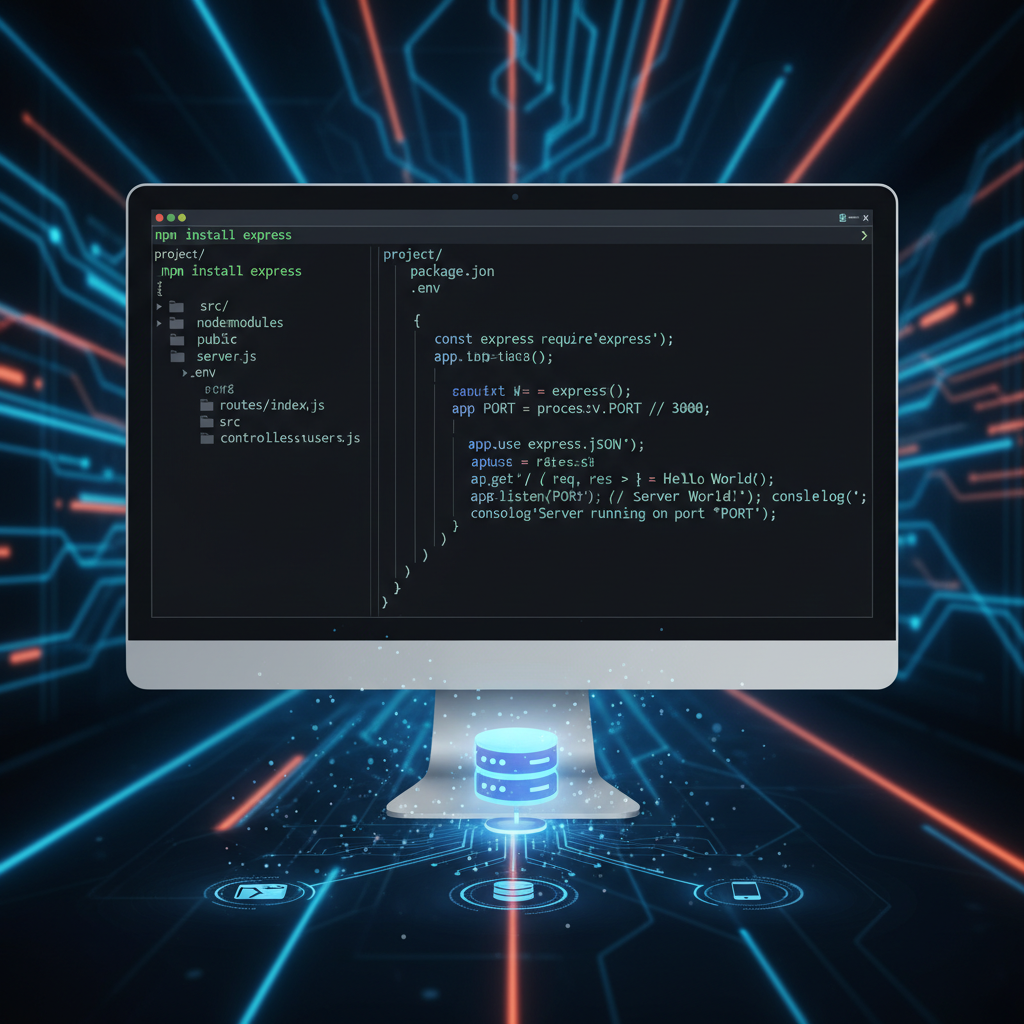
Node.js Express.js project setup and initial server code
Create an index.js file (or app.js) in your project root. This will be the entry point for your application.
// index.js
const express = require('express');
const dotenv = require('dotenv');

dotenv.config(); // Load environment variables from .env file

const app = express();
const PORT = process.env.PORT || 3000;

// Middleware to parse JSON request bodies
app.use(express.json());

// Basic route
app.get('/', (req, res) => {
    res.send('Welcome to the Node.js REST API!');
});

app.listen(PORT, () => {
    console.log(`Server running on port ${PORT}`);
});
Create a .env file in your project root with:
PORT=5000Run your server:
node index.jsYou should see

Scalable and robust REST API architecture built with Node.js